The Issue:
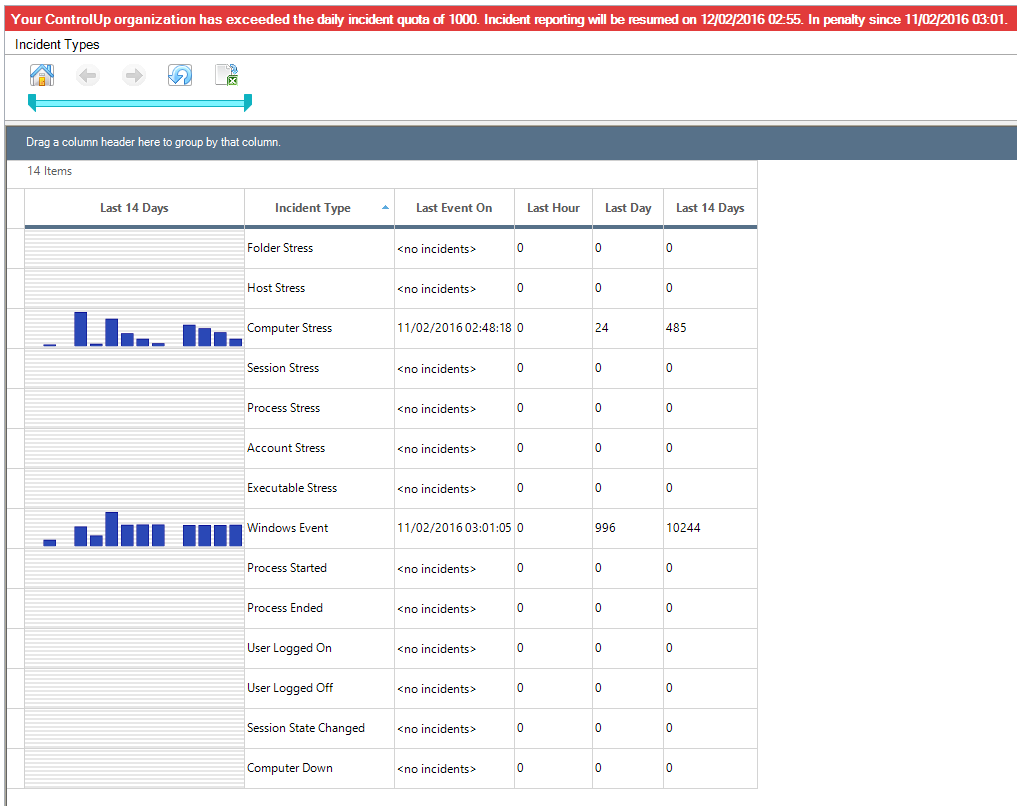
Each ControlUp customer receives a daily quota of 1000 incidents per day.
If you exceed the quota, a warning message appears in the Incidents pane:
The Solution:
If you are a Hybrid Cloud user, see Exceed the daily quota of 1000 incidents to resolve the issue.
If you are an On-Premises user, you can update the daily quota limit by yourself. To update the limit, open the SQL studio on the ControlUp database server and run the following script:
Use ControlUpDB
go
UPDATE IncidentOrganizations
SET MaxIncidentsPerDay = 100000, PenaltyDateUtc = NULL
WHERE OrganizationId ='e5abf1de-4d91-4357-8c68-e6e99aae5802'
go
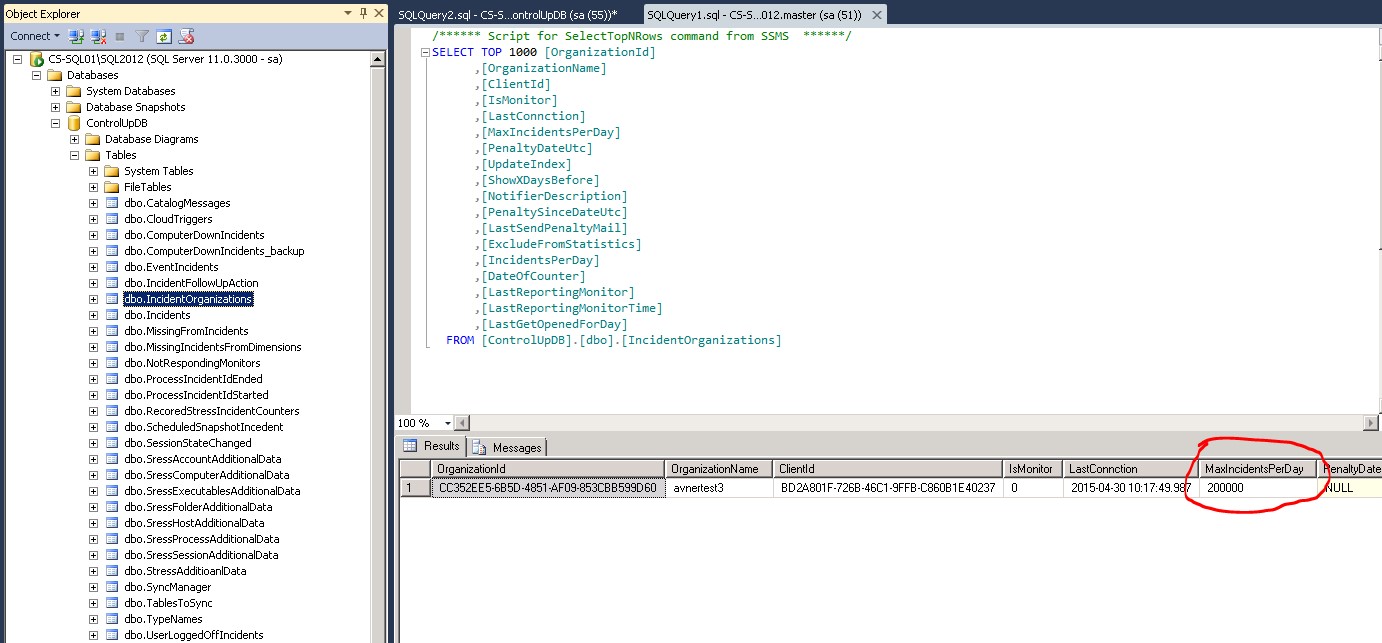
Another option is to manually update the limit in the SQL studio as shown in the following screenshot: