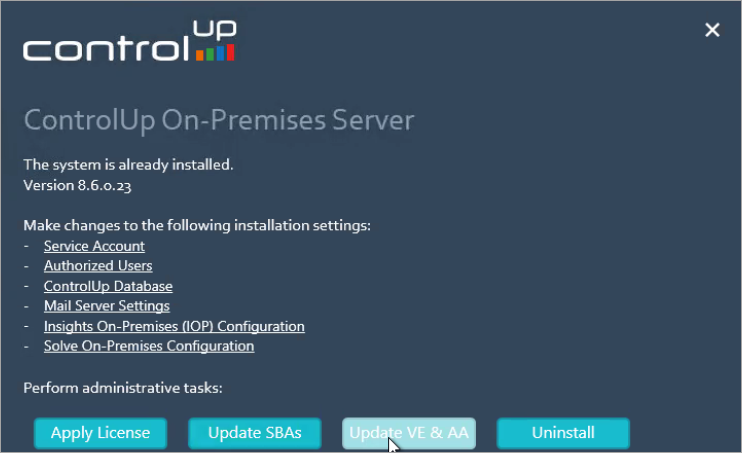
We regularly publish new scripts for importing community Script-based Actions (SBAs) and Automated Actions (Virtual Expert) to your ControlUp on-premises database.
As private (organizational) scripts are saved in a different location, the import of community scripts will not affect your private scripts.
How to update Script-based Actions
Note
These steps can be performed without administrative privileges.
To update Script-based Actions:
- In the Windows Control Panel and open Programs and Features.
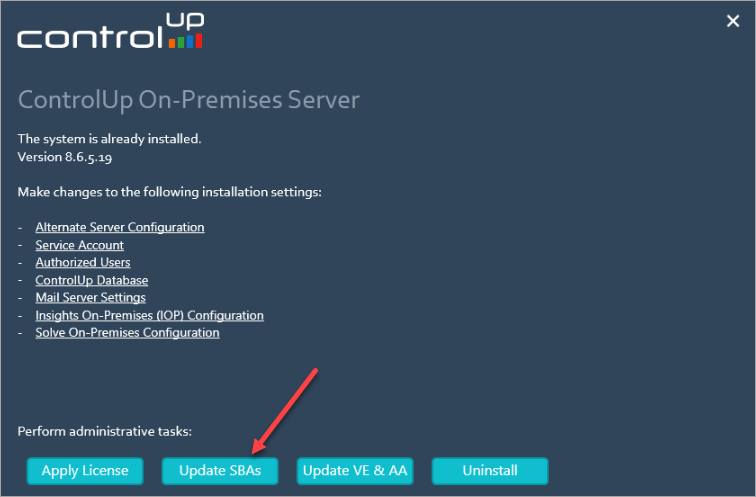
- Right-click ControlUp Server and click Change. The configuration dialog of the ControlUp Server appears.
- Click Update SBAs.
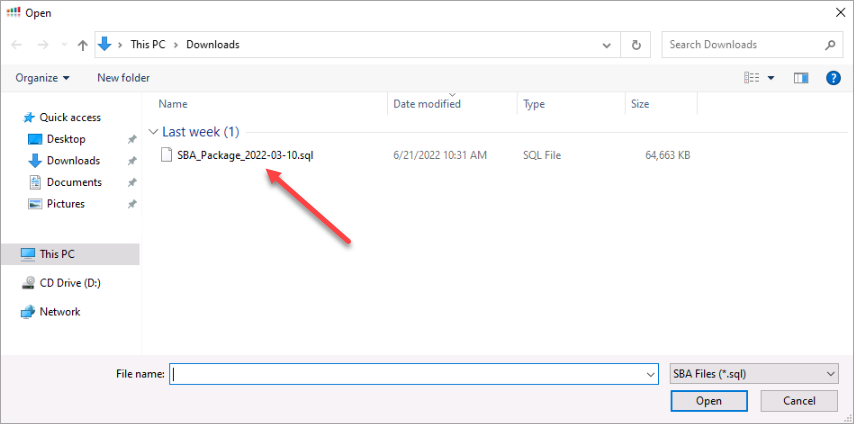
- In the file dialog, open the SBA_Package.sql file. This starts the import of community SBAs.
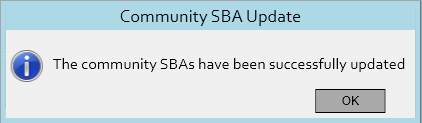
- Upon completion of the update, the following popup appears
How to Update Automated Actions & Virtual Expert Rules
To update Automated Actions:
- As a user with administrative privileges, open the Windows Control Panel and click Programs and Features.
- Right-click ControlUp Server and click Change. The configuration dialog of the ControlUp Server appears.
- Click Update VE & AA.
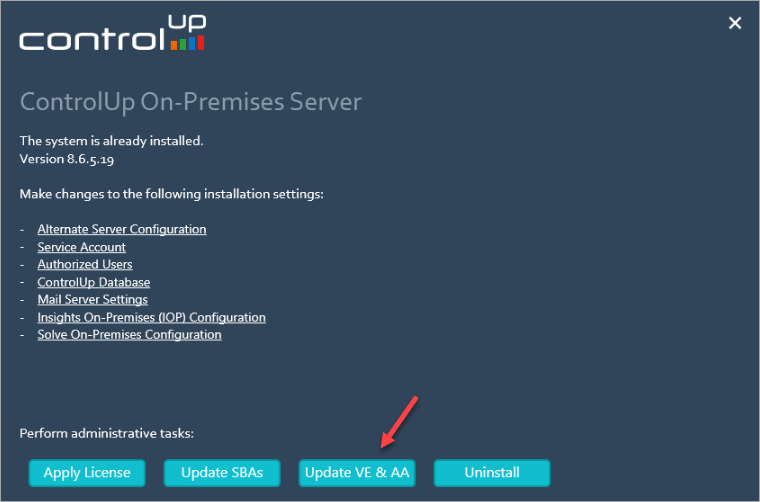
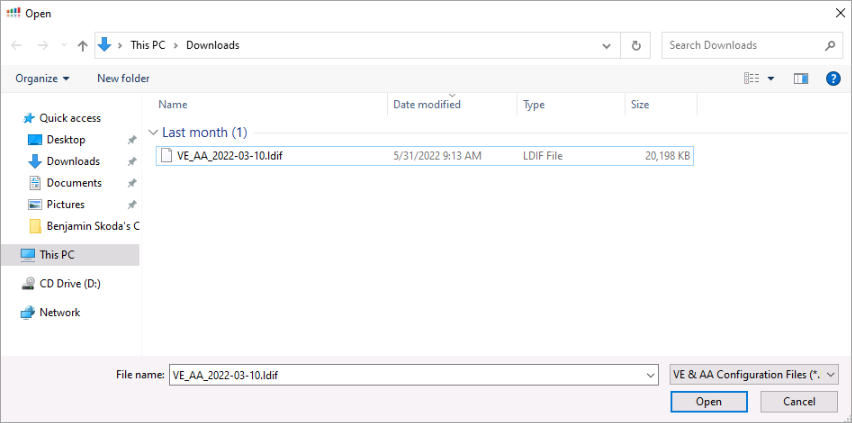
- In the file dialog, open the VE_AA.ldif file. This starts the import of community Automated Actions and rules for the Virtual Expert.
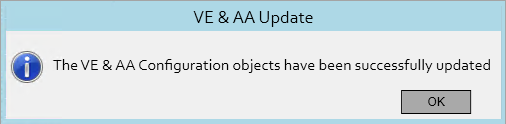
- Upon completion of the update, the following popup appears
Troubleshooting
If the Update VE && AA button is grayed out, the user that performs the update doesn't have local administrative rights. This problem can be resolved by running the installer as an administrator.