The data displayed in the Insights On-Premises portal originates from activity files generated by ControlUp Monitors. These files are specific to the data sources connected to the respective monitor.
Prerequisites
- At least one ControlUp Monitor installed that is connected to data sources
Where are Activity Files Stored?
Each monitor saves activity files to a local folder or network share that you define in the IOP configuration.
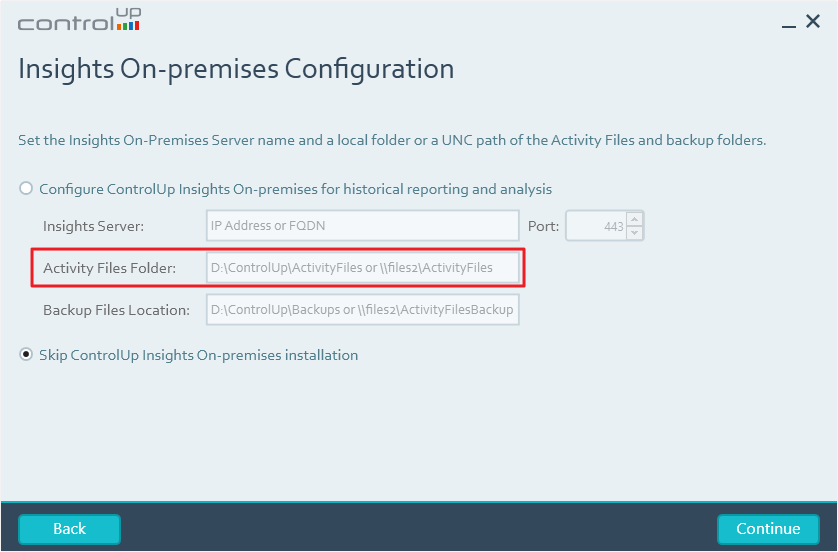
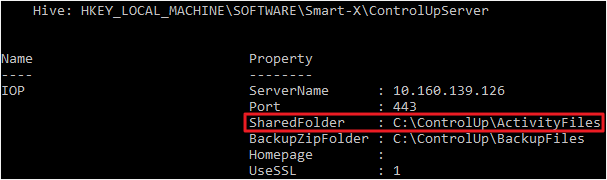
The folder path is stored in the SharedFolder key under HKEY_LOCAL_MACHINE\SOFTWARE\Smart-X\ControlUpServer\IOP
How to Change the Activity Files Path
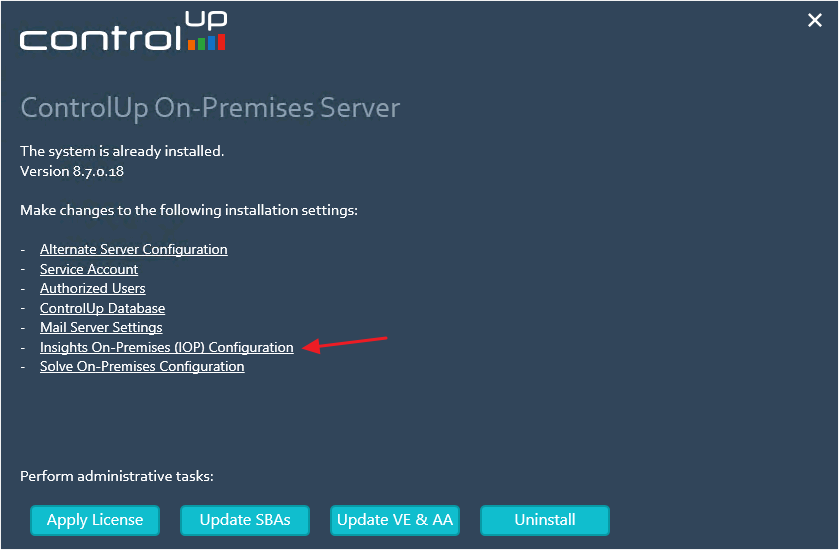
You can modify the activity files path at any time by right-clicking on the ControlUp Server > Change in the Programs & Features window. In the main screen, select Insights On-Premises (IOP) Configuration
It is necessary to configure IOP on every COP server when using the failover COP server feature.
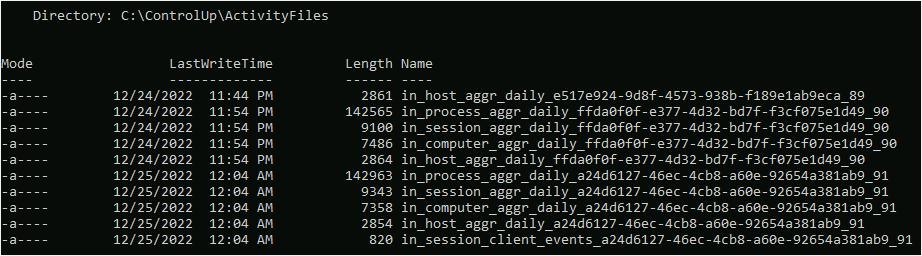
Types of Activity Files
There are different types of activity files.
Host information:
- in_host_aggr_daily
- in_host_events
- in_host_header
Computer information:
- in_computer_aggr_daily
- in_computer_events
- in_computer_header
Process information:
- in_process_aggr_daily
- in_process_events
- in_process_header
Session information:
- in_session_aggr_daily
- in_session_client_events
- in_session_client_header
- in_session_events
Citrix Licenses:
- in_citrixlicense_aggr_daily
- in_citrixlicense_events
- in_citrixlicense_header
VM information:
- in_vm_aggr_daily
- in_vm_events
- in_vm_header
XD_VDA:
- in_xd_vda_aggr_daily
- in_xd_vda_events
- in_xd_vda_header
XD_Brokers:
- in_xd_broker_events
- in_xd_broker_header
- in_xd_broker_aggr_daily
XD_Sessions:
- in_xd_session_events
- in_xd_session_header
Backup of Activity Files
You can configure a backup policy in the monitor settings. Learn more here