Issue
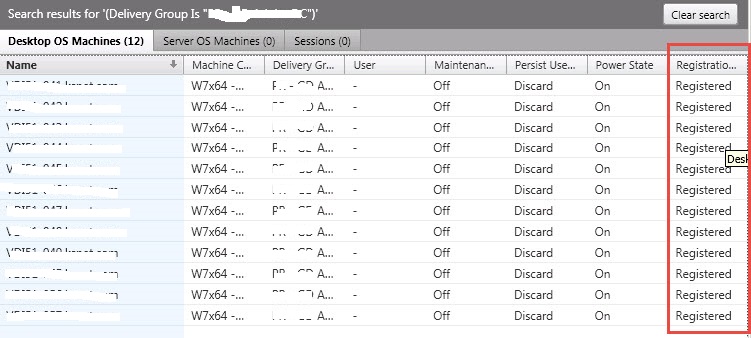
Desktops are incorrectly being shown as unregistered and Not Available in the Real-Time DX Console, but are "Registered" and Available when looking in Citrix Studio.
Root Cause
Citrix Director and the ControlUp Console both get their information from the OData interface of the Broker.
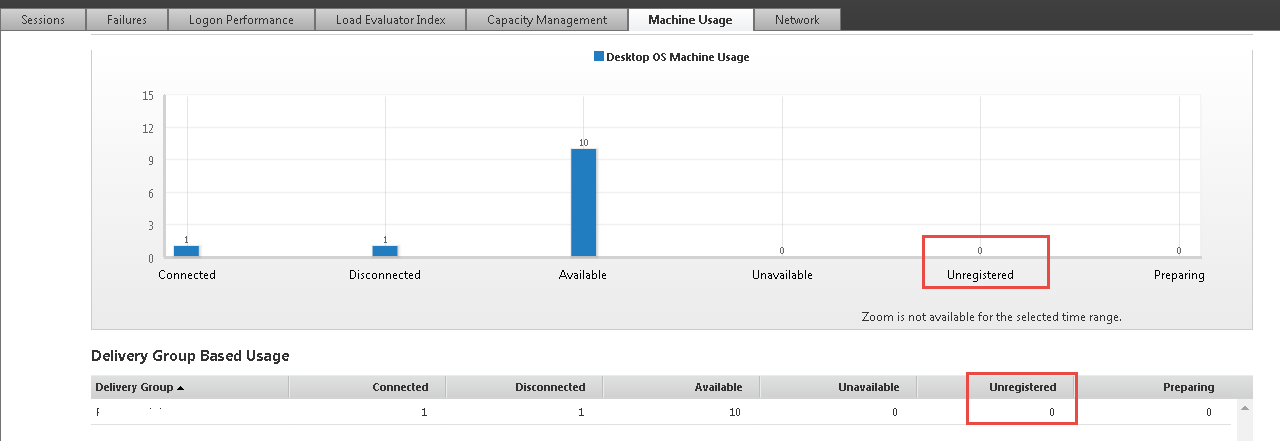
The Console gets it's information specifically from the Machines table, which is why it shows "Unregistered" in the Console, although the Trends View shows the correct information.
The below screenshot of the director shows the status of the Console:
Solution
Restart the Citrix Desktop Service to help in correcting the data, since the issue is on the Citrix side.
We suggest you open a ticket at Citrix Support and request a permanent solution for this issue.