Issue
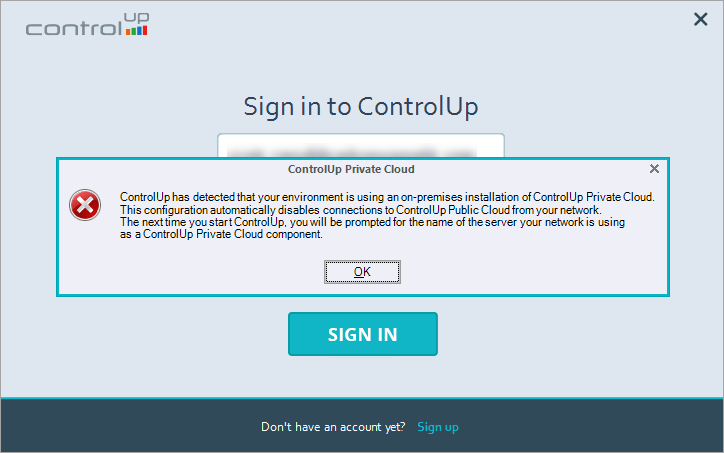
The user is able to log into the ControlUp Real-Time DX Console but receives the error: "ControlUp has detected that your environment is using an on-premises installation of ControlUp Private Cloud.
This configuration automatically disables connections to ControlUp Public Cloud from your network."
Root Cause
Your organization was installed on a ControlUp on-premises (COP) server. Once the license is requested, the environment is set to use the on-premises deployment and not the cloud.
When a user tries to launch a cloud console from the on-premises domain, the cloud console gets rejected and throws the error shown in the Issue description.
Solution
Install the on-premises console and not the cloud console. The on-premises console is part of the on-premises installation package.
If you do not have the installation files for the on-premises console, contact our support at support@controlup.com.
If you have installed the Real-Time Console and it still attempts to connect to our ControlUp Cloud Services, go to HKLM\Software\Smart-X\ControlUp\PrivateCloud and Set the registry key IsUsingPrivateCloud (Dword) to 1.