The Issue:
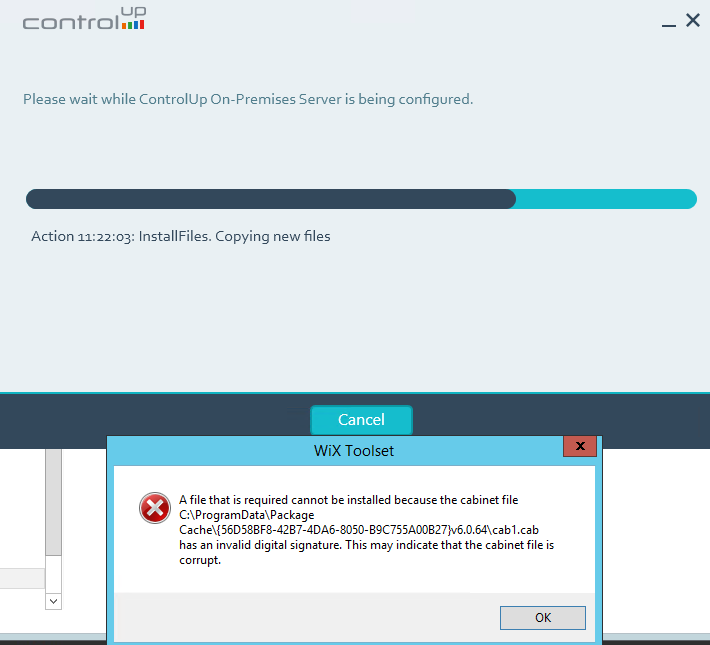
The installation of the on-premises server fails due to invalid digital signature (cab1.cab)
The Reason:
The on-premises server is missing the Digicert Root CA certificate or if you do not have Internet access, or have a restrictive firewall or proxy, setup may be failing to verify the signature because it cannot access the online certificate revocation list (CRL).
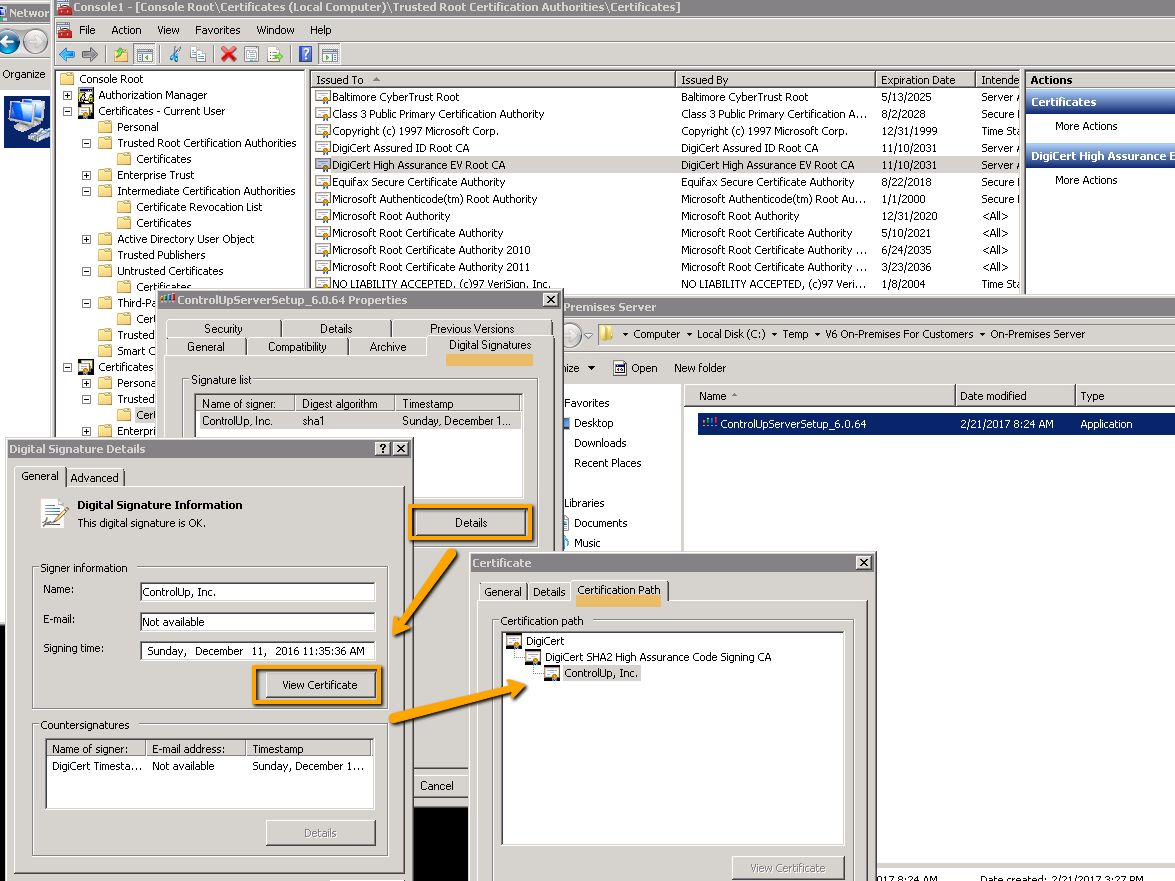
As you can see below screenshot shows our installer is signed and our certificate is signed by Digicert. If you do not have the root certificate you will notice red x.
The Solution:
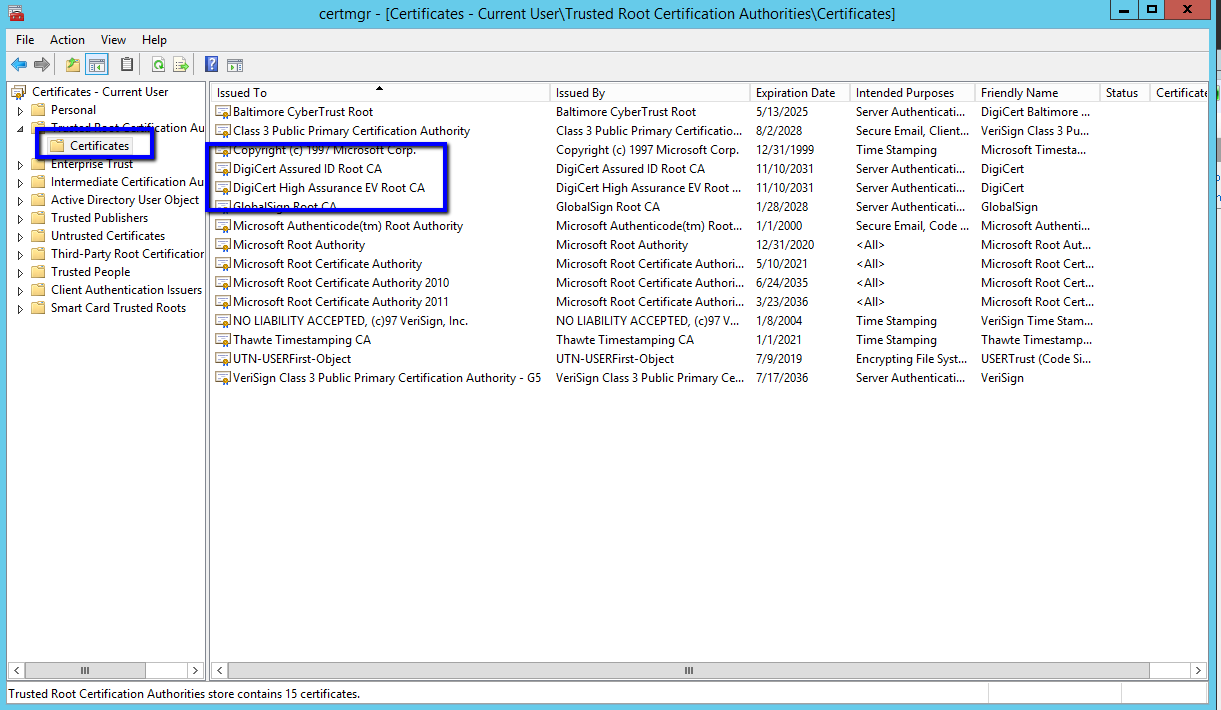
To resolve the missing certificate issue, open the certificates manager (you can launch it from Run -> certmgr.msc).
Import the Digicert root ca certificate (attached below) in case you need it (DigiCert.pfx), password: Qa123456.
For more information about a second workaround and checking the CRL settings, see this blog article.