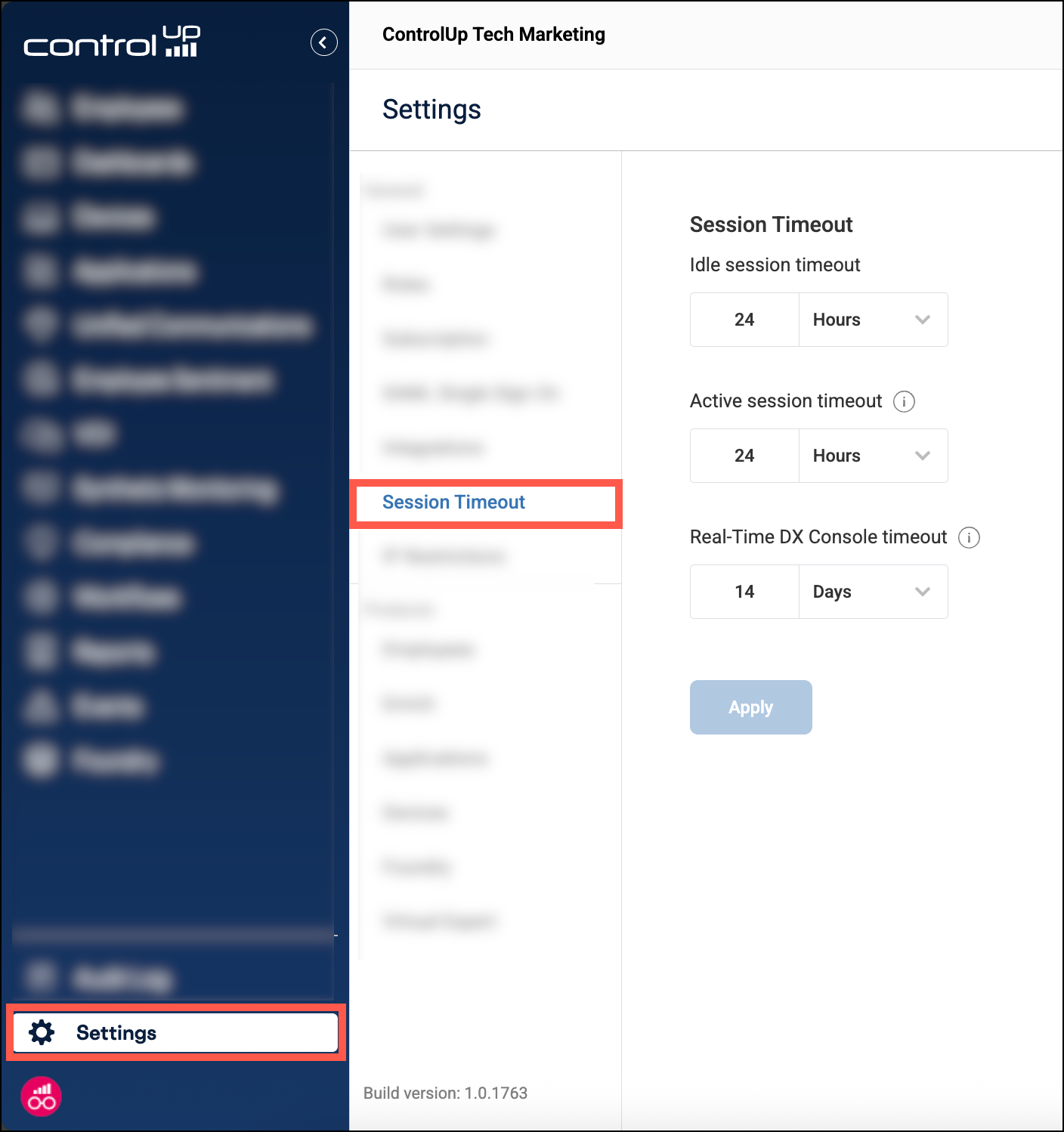
For ControlUp's web console, there are two separate session timeouts:
- Idle session timeout (default 10 minutes) - The maximum period of inactivity before a user is signed out.
- Active session timeout (default 24 hours) - The absolute maximum duration of a session, regardless of activity.
The setting Real-Time DX Console Timeout is relevant only for VDI customers. It determines how long you can use our .NET configuration console for your VDI environment before reauthenticating. For details, read Sign into the Real-Time DX Console
How to customize session timeouts
If you have the Manage Session Timeout permission (located under the Access Control permission category), you can customize your organization's session timeout. These settings are enforced globally for all users in your organization.
- Go to Settings > Session Timeout.
- Adjust the Idle session timeout and Active session timeout settings.
- Click Apply.
When you change the Active session timeout, the new duration is enforced the next time a user signs in. Changes to the Session idle timeout are enforced immediately.
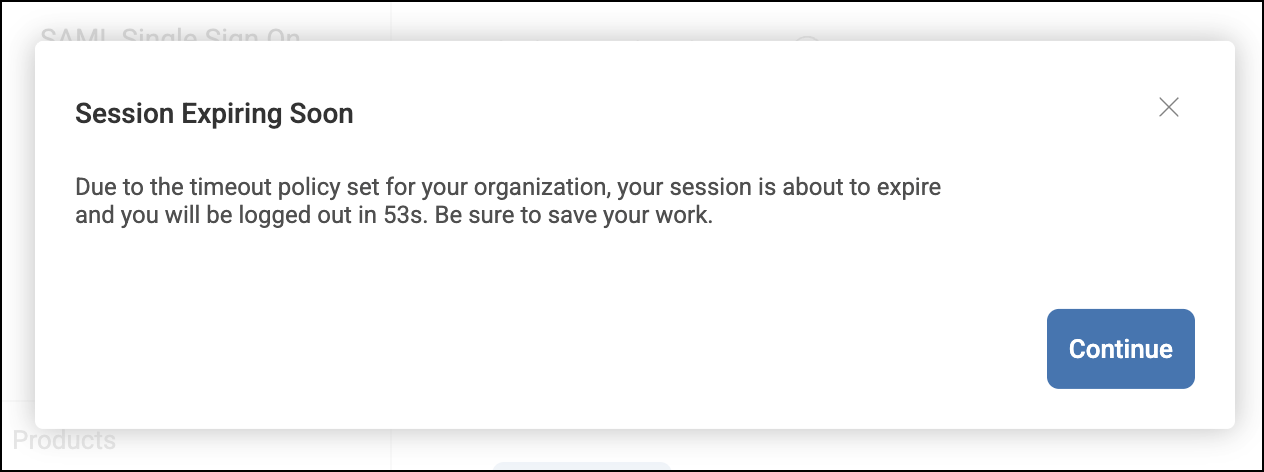
User warning for active session timeout
Users receive a warning 5 minutes before they reach their active session timeout duration. There is no warning when a user reaches the idle session timeout.
Bypass session timeout for a specific user
You can bypass active and idle session timeouts for a specific user by granting them the permission TV Mode (located under the Access Control permission category).
This can be useful if you want to create a dedicated user for displaying ControlUp dashboards on TVs for 24/7 monitoring in your IT command center.