Issue
You can't connect to your hypervisor with the supplied address. You receive an error "There was an error accessing the service at the supplied address".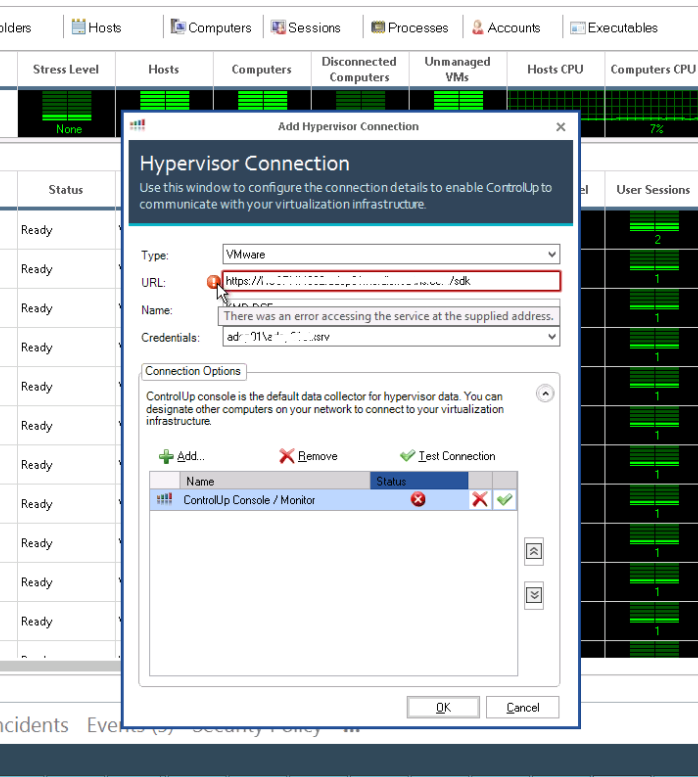
Potential Cause
The address provided is blocked by the proxy.
Solution
Add the address of the hypervisor to the exceptions list, located under the proxy settings. In the Internet options, click on the LAN Settings.
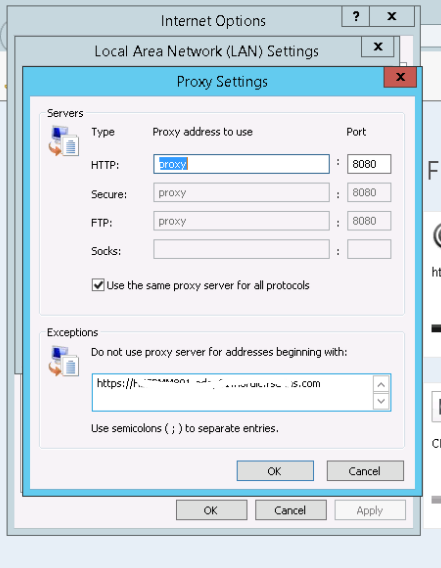
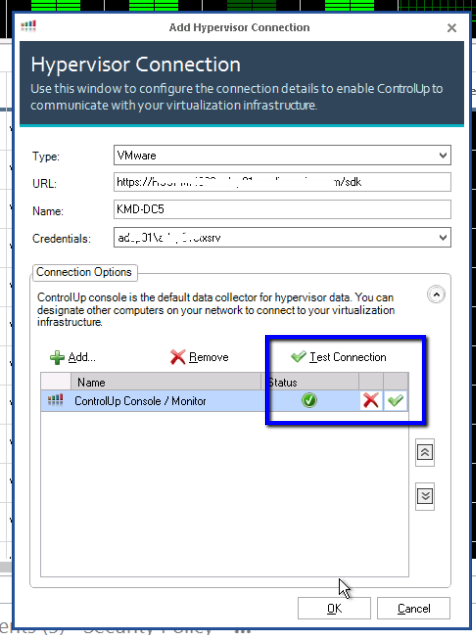
Once the address is added, the connection is established correctly. To verify, click Test Connection.