This feature requires a ControlUp for Desktops Advanced or ControlUp ONE Platform license. For details, see the pricing page.
You can use ControlUp for monitor and troubleshoot Microsoft Teams and Zoom.
Data collection
Microsoft Teams and Zoom data comes from two sources:
The Microsoft Teams or Zoom API.
The ControlUp for Desktops Agent installed on the device. This data source allows you to see minute-by-minute metrics while a call is ongoing. For Windows, this data source is available for Microsoft Teams and Zoom. For macOS, this data source is available for Microsoft Teams.
Note
It is possible to disable Agent data collection for specific devices using the Extended Settings page. In this case, data collection for those devices uses only the API connection.
Add integrations
Use the following links to learn how to set up the integration for:
Access data in ControlUp
To access unified communications data, go to the Unified Communications section in ControlUp.
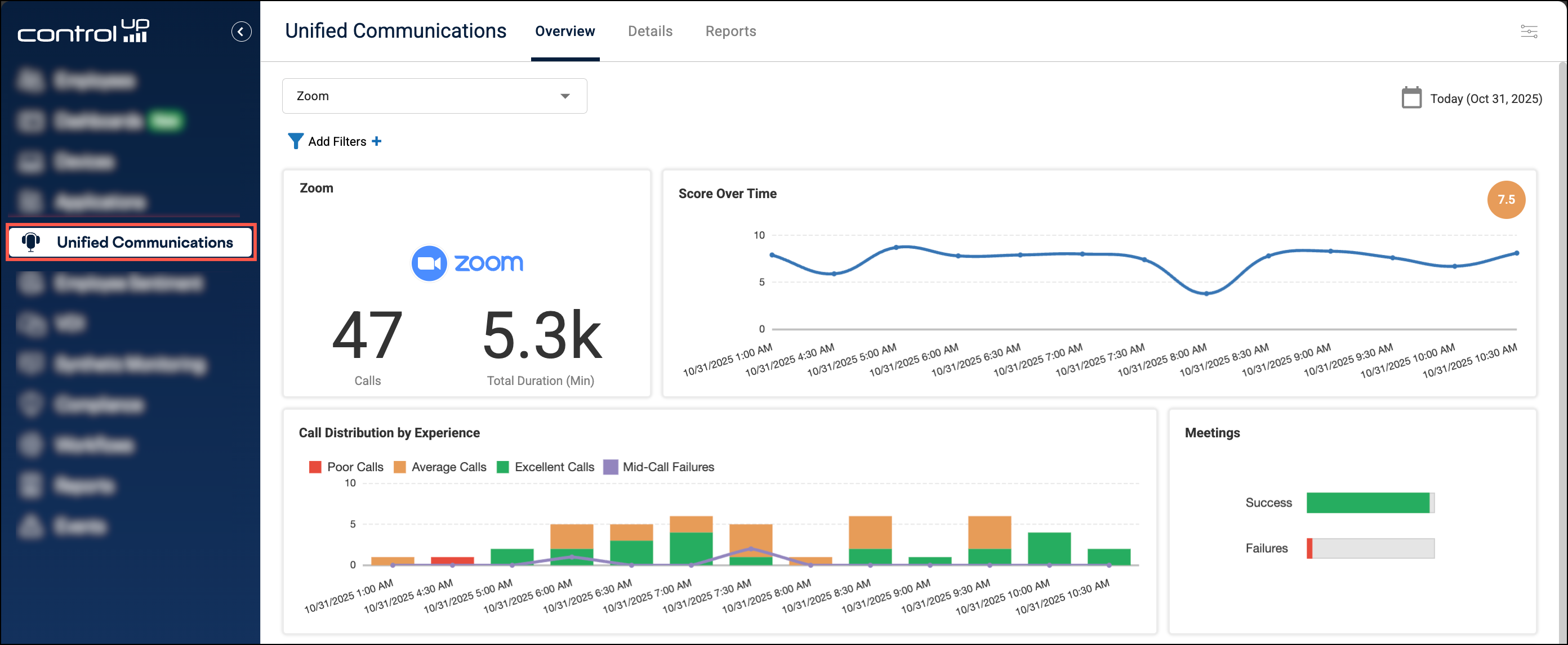
For information about the data available in ControlUp, refer to: