To troubleshoot effectively, our technical teams might need a detailed log of the ControlUp Monitor. We use log4net as a third-party logger to allow you to log the activity of the monitor in different log levels.
From ControlUp version 9.0 and higher, monitor machines automatically create log files, so you don't need to manually create a log file.
For pre 9.0 and on-premises versions, see here.
Create Log File Automatically (9.0 and higher)
On your monitor machine, start the ControlUp Monitor service. First, it detects if a log4net file exists under the ControlUp Monitor folder C:\Program Files\Smart-X\ControlUpMonitor\Version 9.0.0.xxxx:
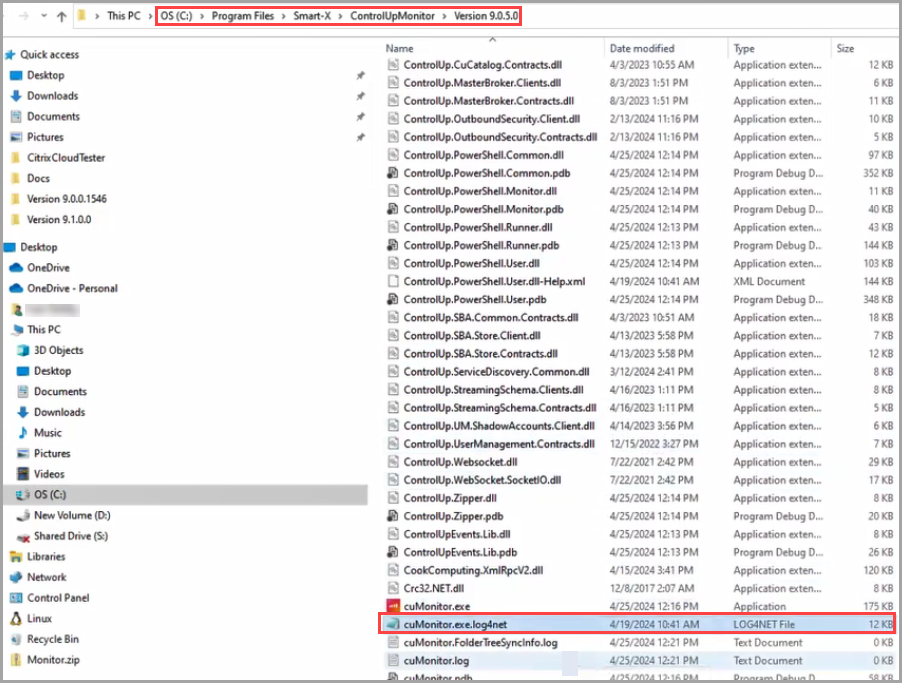
If a log4net file exists, all monitor errors will be collected in this folder.
If no existing log4net is detected under the monitor folder, then the error log is automatically created under the Service Profiles folder C:\Windows\ServiceProfiles\NetworkService\AppData\Roaming\ControlUp:
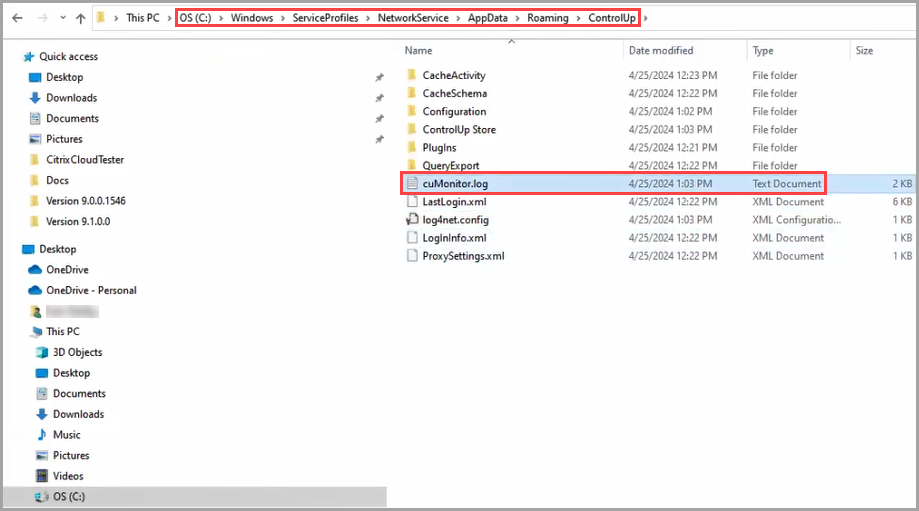
All monitor errors will be collected in this folder.