On the Devices > Details page, each device is given a score from 0-10 to give you an at-a-glance indication of the device's performance. It is calculated by first averaging key performance metrics and then subtracting points for poor user experiences. The score is calculated each time you load the page, based on the most recent available data from the Agent.
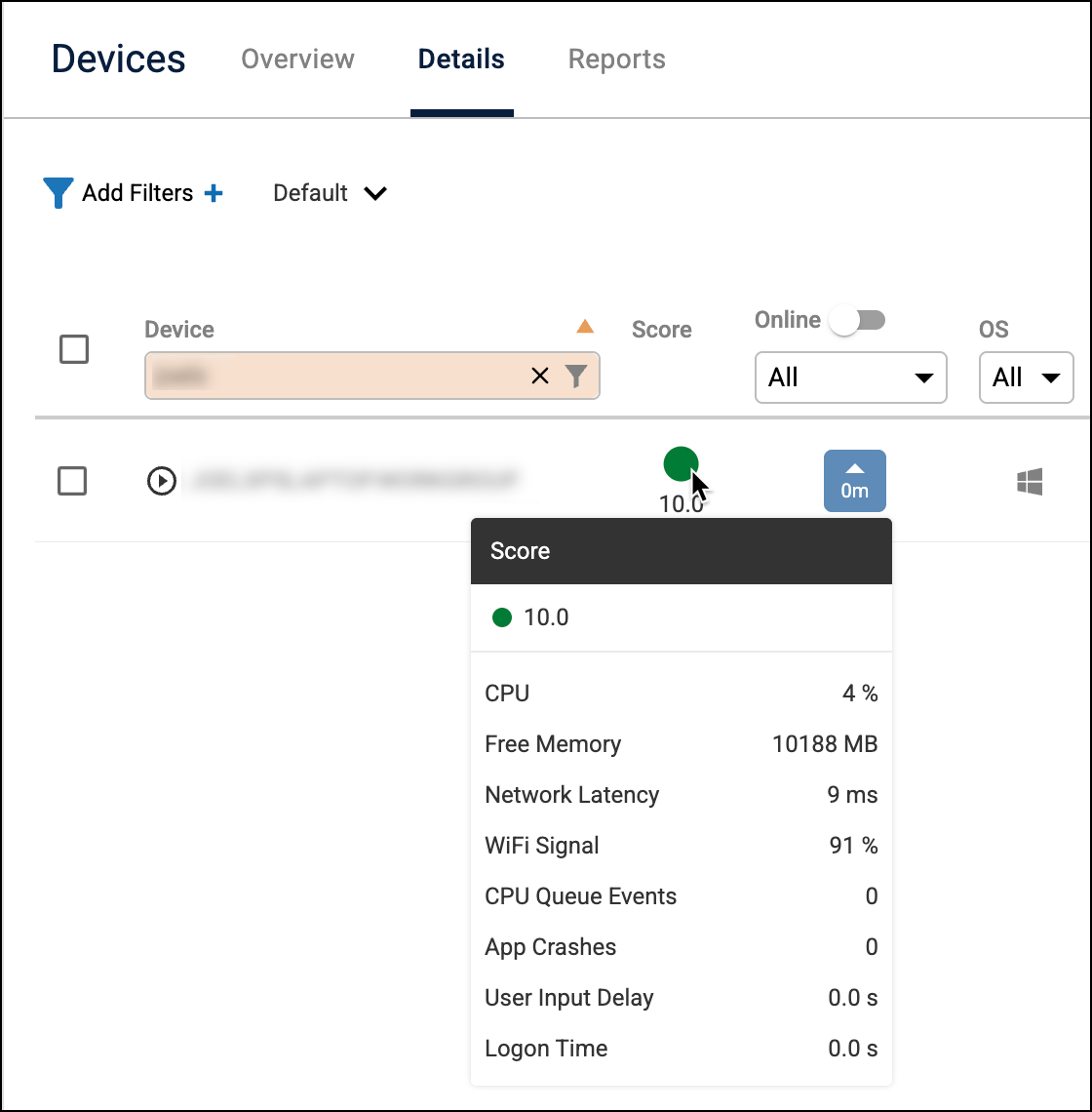
Stage 1: Calculating the base score
The score begins by grading several available performance metrics on a scale from 0 (worst) to 10 (best). All available metric scores are then averaged together to create the base performance score.
If a metric is not available or applicable to the device, it does not contribute to the average.
| Metric | Perfect Score (10) | Worst Score (0) |
|---|---|---|
| CPU Usage | less than 80% | 100% |
| Available Memory | 100 MB or more | 0 MB |
| Network Latency | less than 50 ms | 250 ms or more |
| WiFi Signal | above 90% | less than 30% |
| CPU Queue Length | less than 2 | 7 or more (note that this metric's score only goes as low as 5) |
| User Input Delay | less than 1 second | 41 seconds or more |
Step 2: Applying penalties
After the base performance score is calculated, points are deducted based on recent negative user experiences. The final score is the base score minus any applicable penalties.
| Penalty event | Scoring rule |
|---|---|
| App Crashes | Deducts 2 points from the final score for each of the last 5 minutes where a crash was detected. |
| Slow Logon | Deducts points if the most recent logon time was longer than 3 seconds, with a maximum penalty of 3 points for a logon time of 30 seconds or longer. |
| Battery Health | Deducts points if the device's battery health is less than 80%, up to a maximum of 5 points when the battery health is 50% or lower. |
| BSOD | Any BSOD within the last 10 minutes sets the device score to 0. |